Using the App
Sending Financing Links
Sending a financing link to your customer takes just seconds. Here’s how:
1
Open the App
Launch your Acorn Finance contractor app and tap the “Send Link” button on the home screen.

2
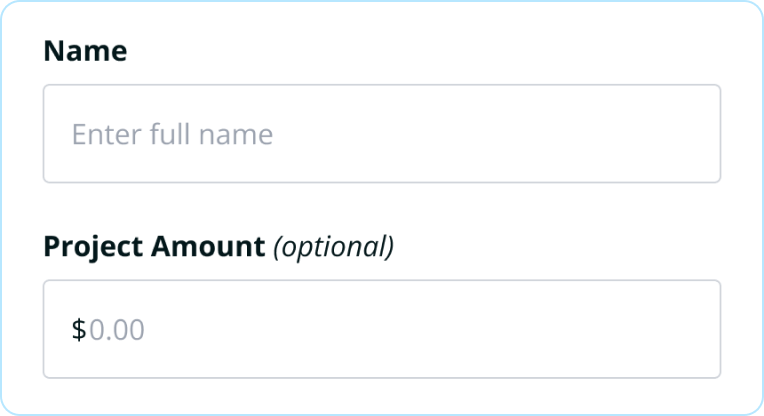
Enter Customer Information
Fill in your customer’s:
- First and last name
- Mobile phone number OR email address
- Project amount (optional but recommended)
3
Choose How to Send It
Select SMS (text message) or email. Most contractors prefer SMS because customers see it immediately.

4
Hit Send
Your customer will receive the link within seconds and can apply right from their phone.

Pro Tips
Send it while you’re with the customer
This shows transparency and they can start the application right there.
Double-check the phone number
A typo means they won’t get the link.
Include the project amount
This pre-fills their application and saves them time.
Send during business hours
Applications sent in the evening or weekend may not be reviewed until the next business day.
Your financial journey matters to us. We’re always just a message away. 🌱